Your Free Demo Lecture Awaits!
Take the first step towards a rewarding career.
Join our alumni network at top tech companies worldwide.
Gain in-demand skills, build real-world web solutions, and accelerate your career in one of the fastest-growing tech fields.
Full-stack developers command premium salaries with the widest range of job opportunities across all tech companies worldwide.
Master MERN stack (MongoDB, Express, React, Node.js) and modern DevOps practices to build scalable production applications.
Build end-to-end web applications from database design to deployment and create solutions that drive business growth.
Achieve senior developer roles, architectural positions, or establish yourself as an independent full-stack consultant.
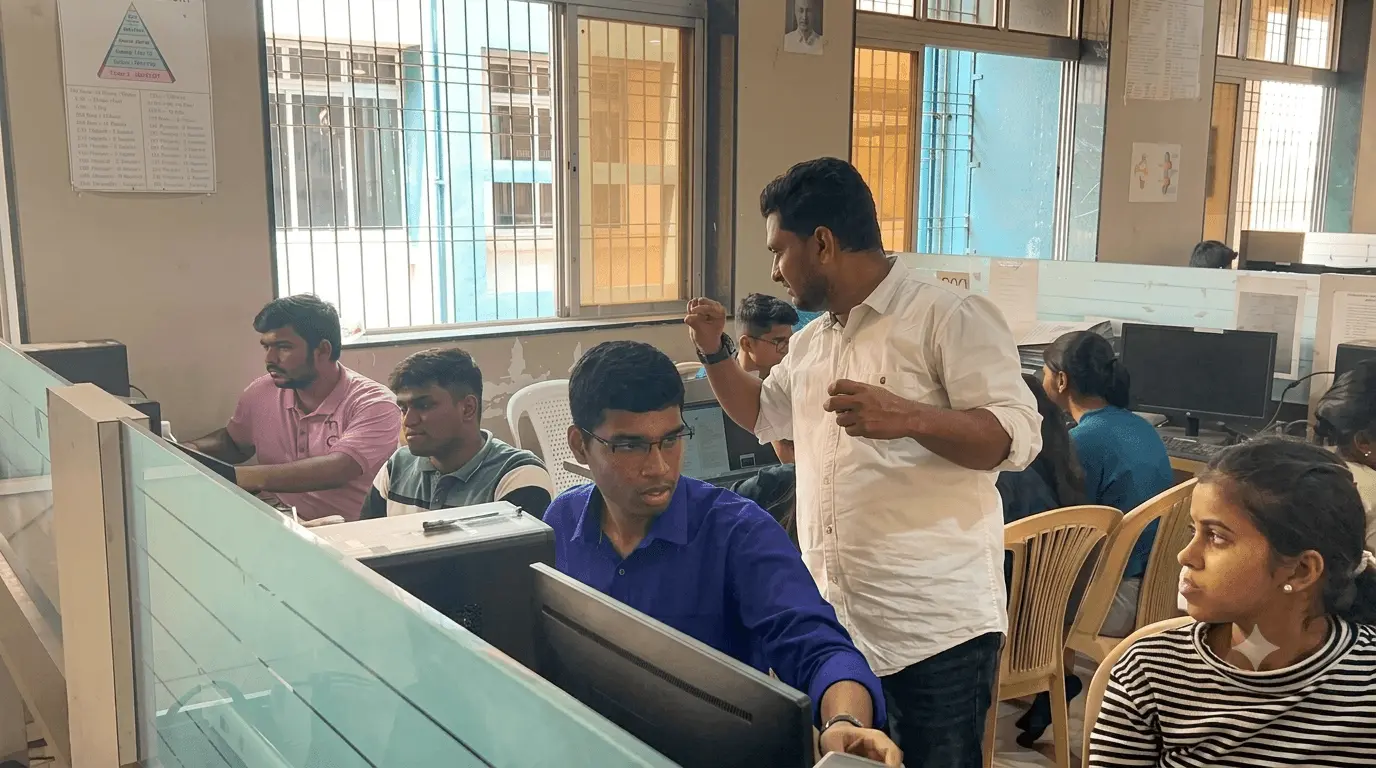
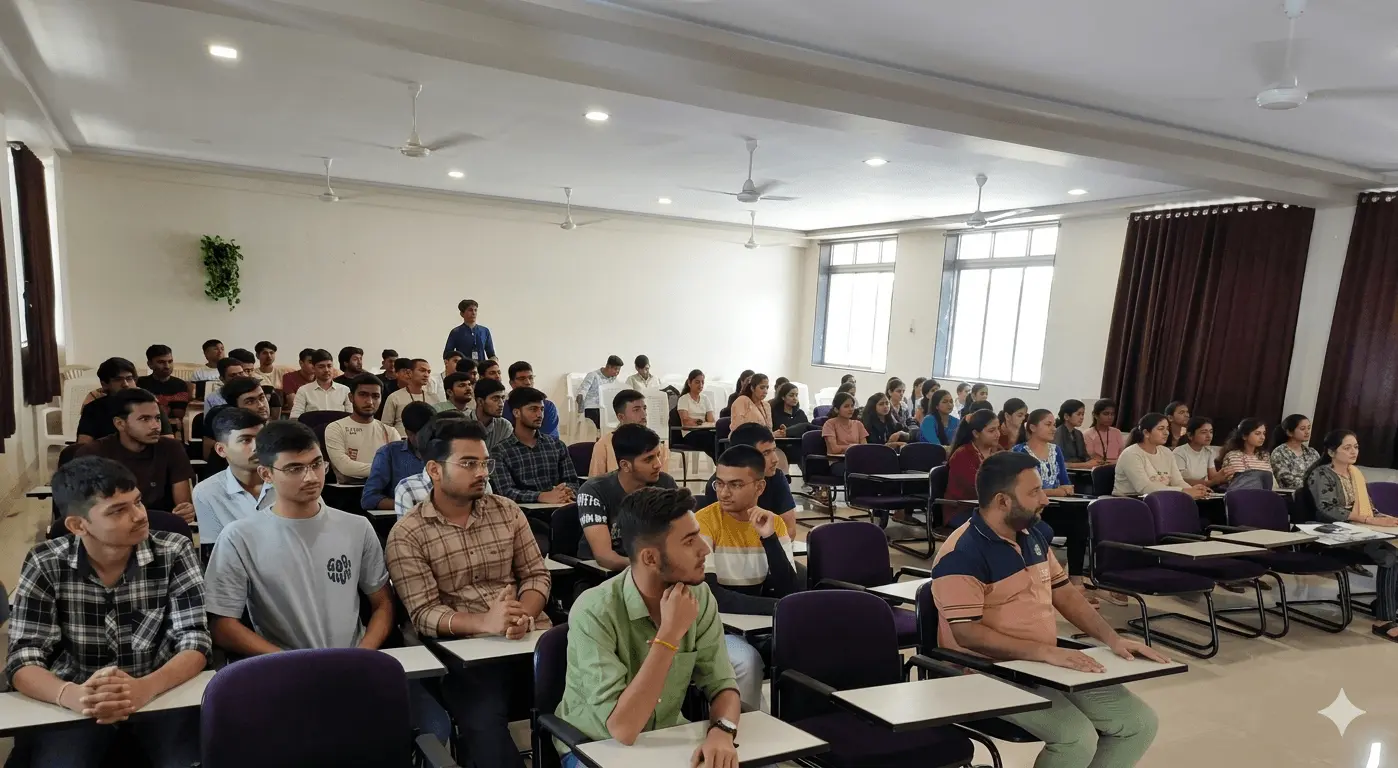
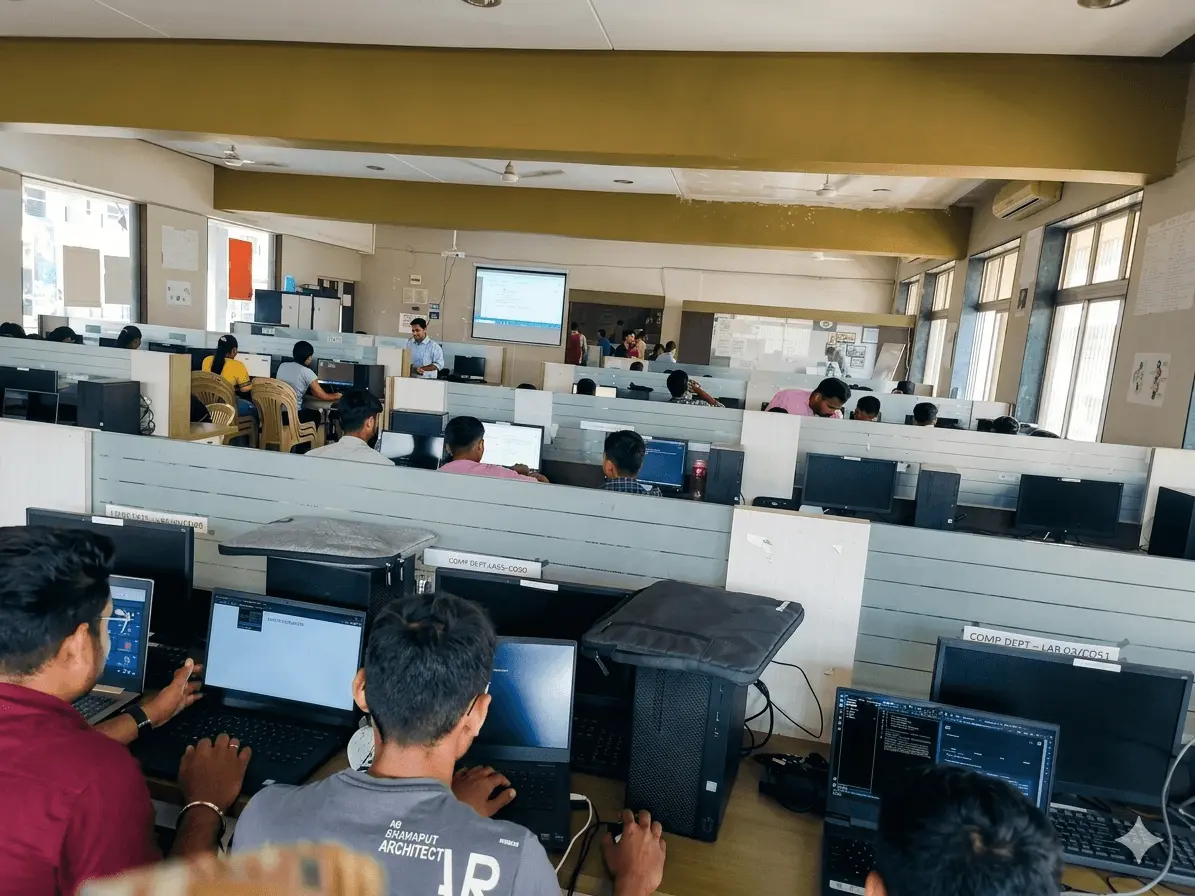
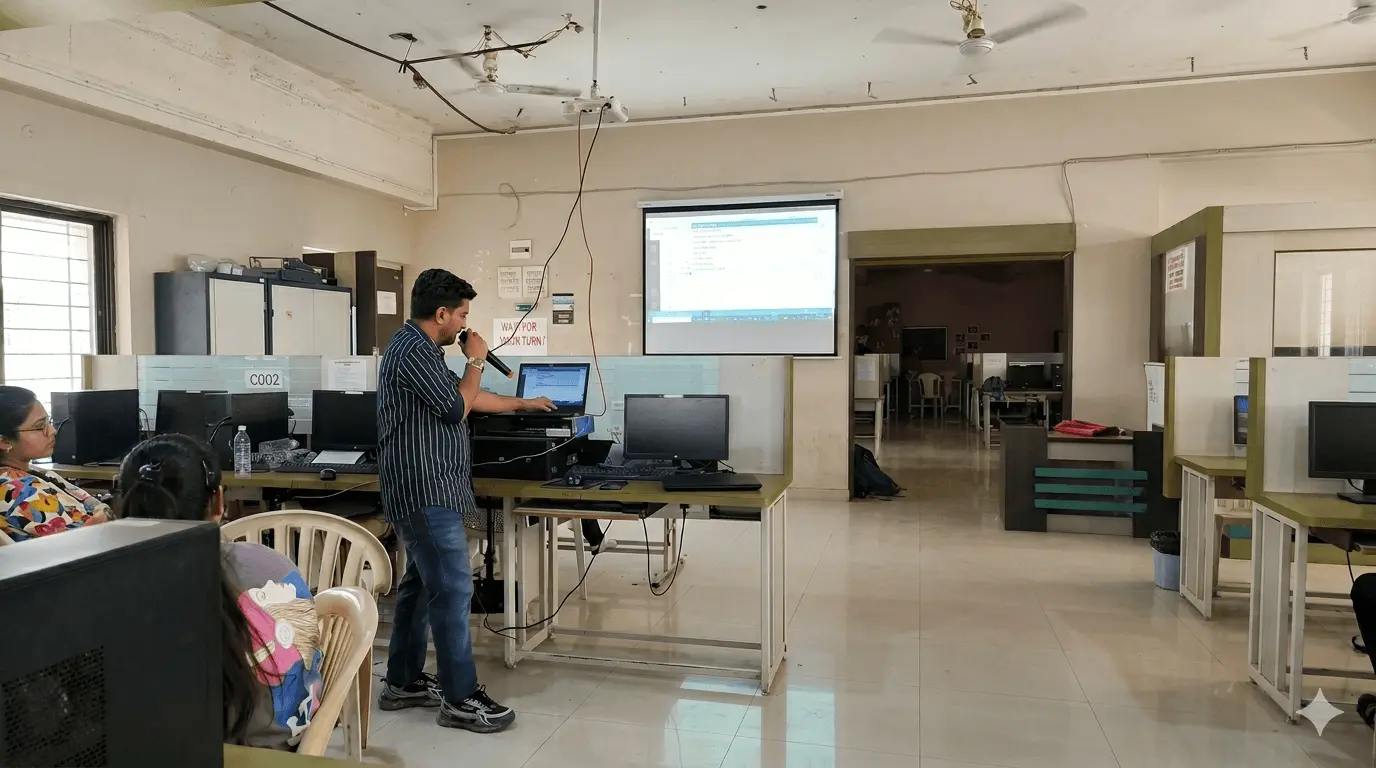
A quick look at classrooms, workshops, and student activities at Obox EDGE.


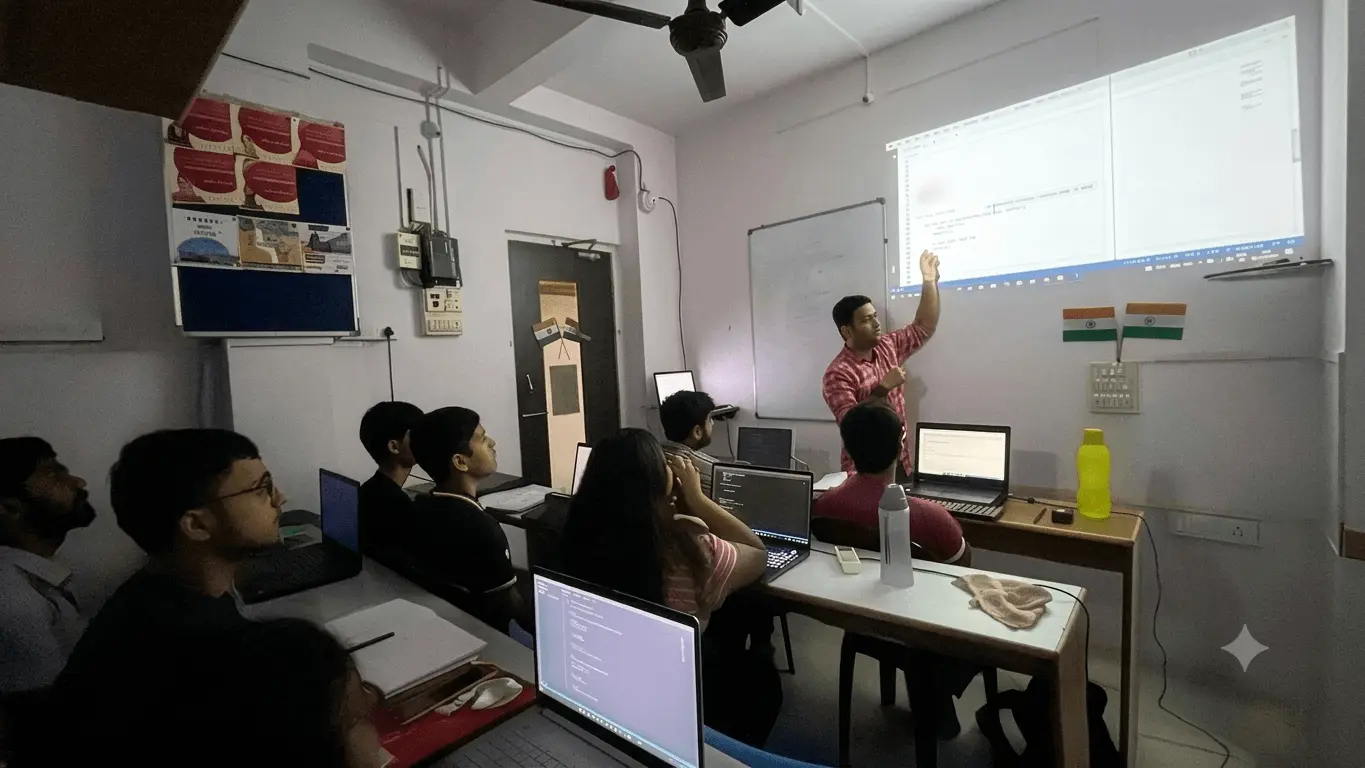
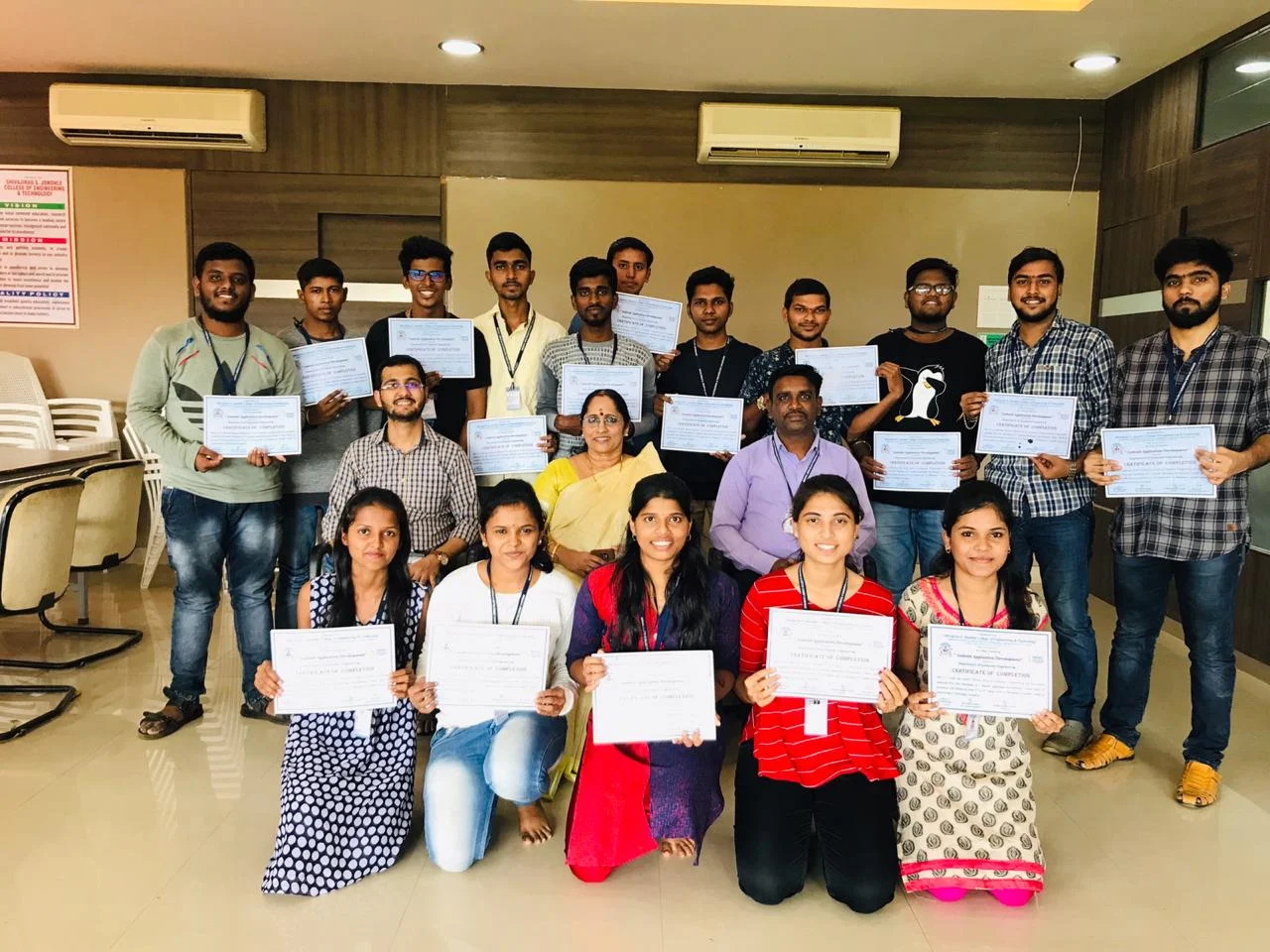
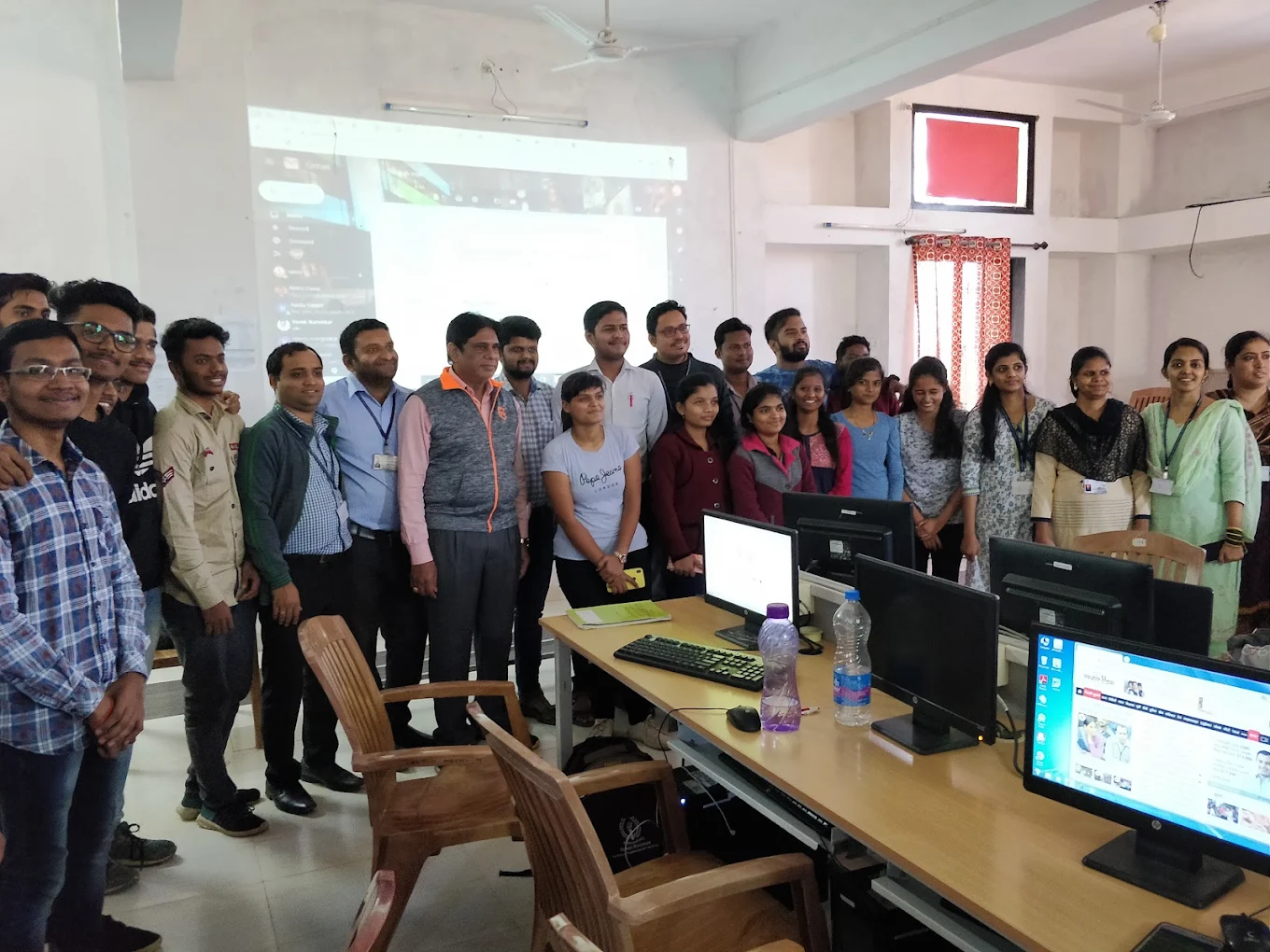
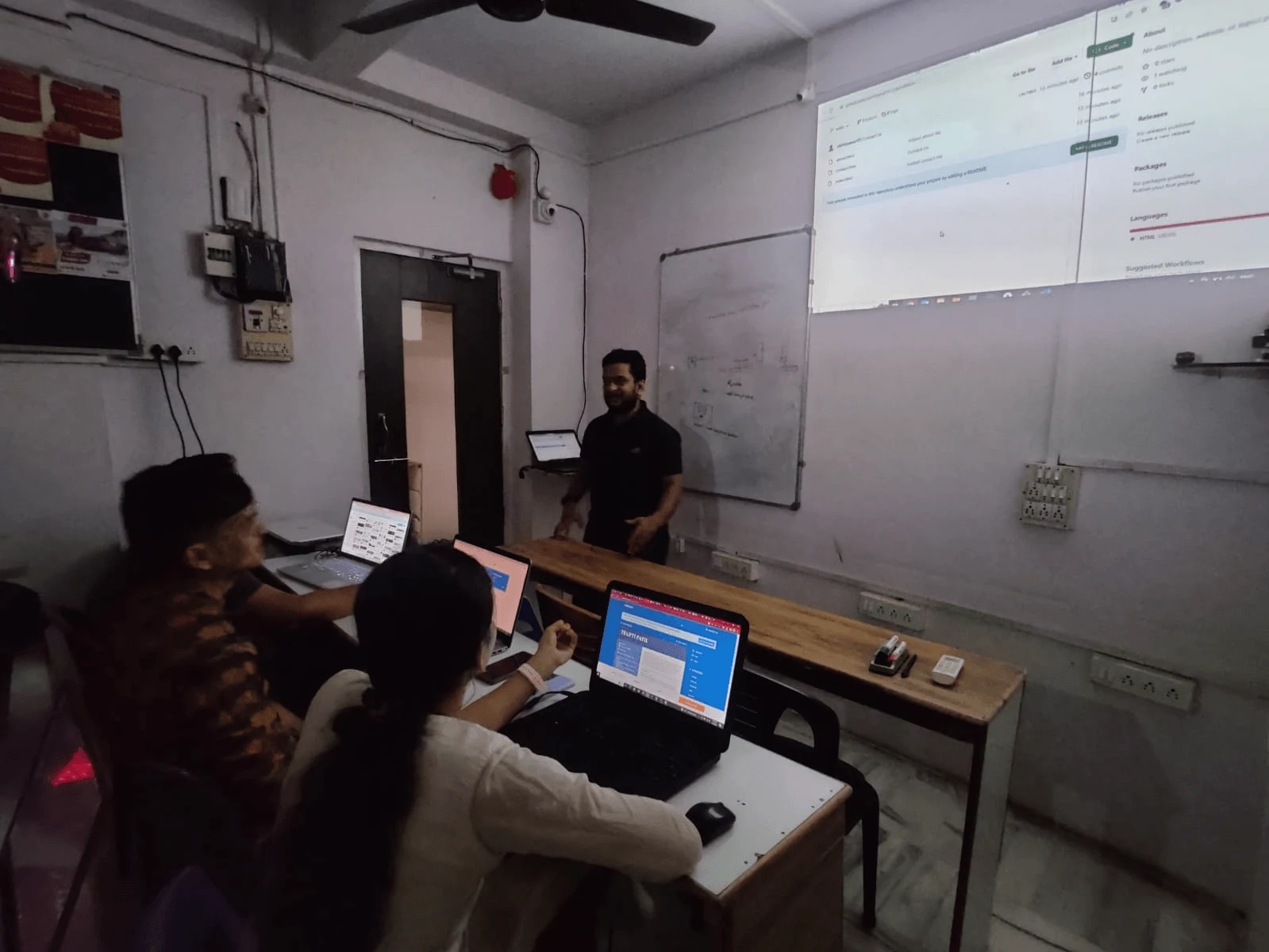
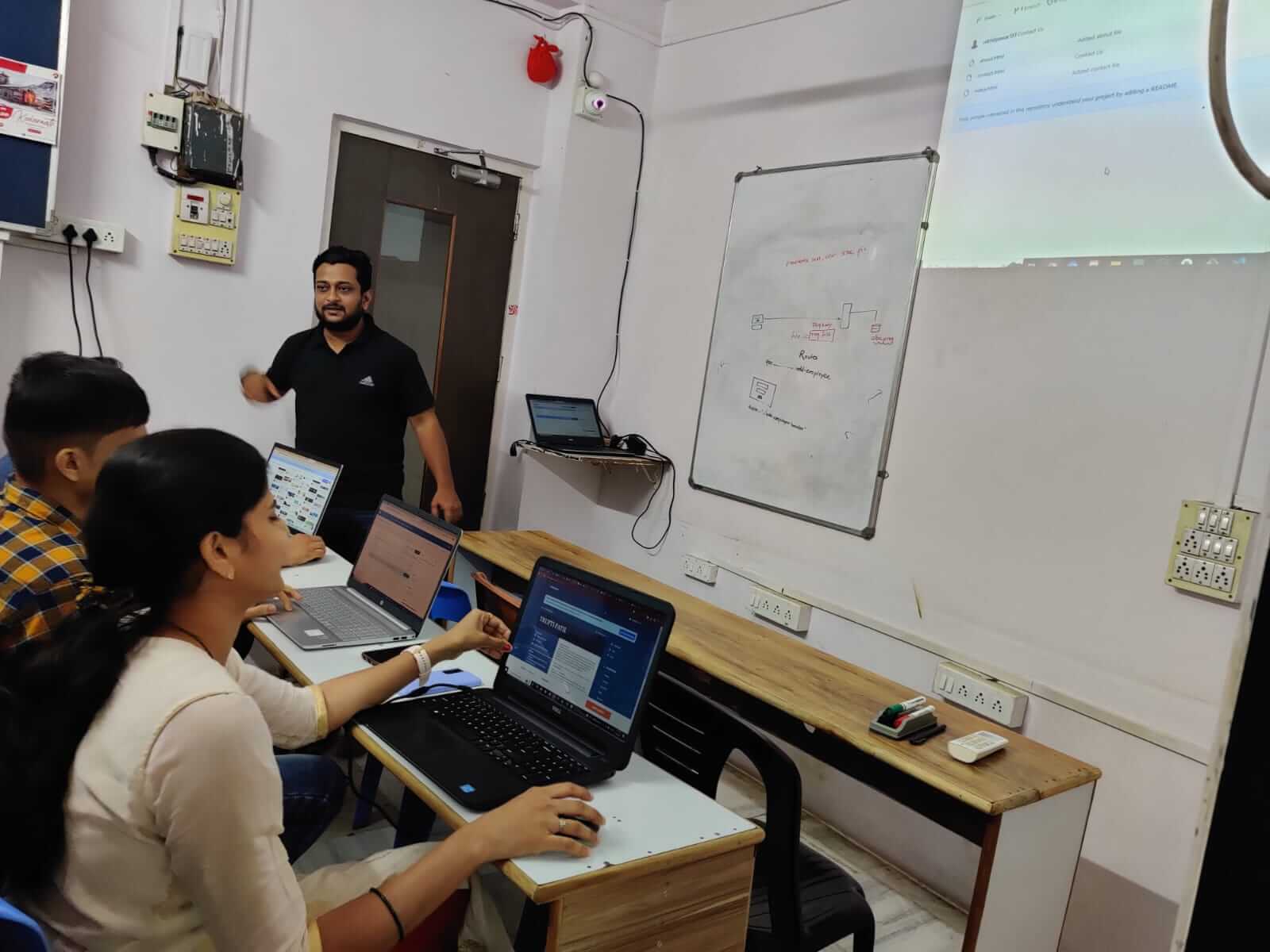
Designed for individuals who want to become job-ready MERN stack developers. Whether you are a beginner or experienced in one area, this program will make you proficient in all layers of web development.
BTech / BCA / BSc students and graduates wanting to build complete web applications using MongoDB, Express, React, and Node.js.
Beginners eager to learn full-stack development from scratch with hands-on projects and real-world experience.
Developers with expertise in one area (frontend or backend) looking to master the complete MERN stack.
Professionals transitioning from other fields seeking high-demand full-stack development skills for better career prospects.

"Obox EDGE is truly one of the best coding academies out there! Huge thanks to Nilesh Sir for being an amazing mentor, his teaching style, deep knowledge, and constant support make learning so easy and enjoyable."

OboxEDGE Alumni
"If you want to get yourself trained and stay current with what's happening in IT world then, don't look forward than Nilesh Sir. He is very well versed in all terms needed for coding."
OboxEDGE Alumni
"Best place to start learning in the core IT development industry. Excellent teaching staff with real-life industry experience🙌.Great practice sessions and interview preparation support👌."
OboxEDGE Alumni
"Learning the MERN Stack from Nilesh Mangnakar sir at Obox EDGE was a great experience. His teaching combined practical knowledge with real-world corporate insights."
OboxEDGE Alumni
"Great academy, detailed explanation on each topic with live examples. Excellent teachers, that will help you understand the "why" behind very technical decision."
OboxEDGE Alumni
"Great coachings given by Nilesh Sir,even non IT candidate with zero confidence can become expert techie under the guidance of Nilesh Sir...🙌"
OboxEDGE Alumni
"The MERN stack course at Obox Edge is really impressive. Nilesh sir teaches in a very clear and unique way, which makes the concepts easy to understand even for beginners. I’ve learned a lot in a short time—highly recommend this course."
OboxEDGE Alumni
Course Learning Outcomes: By the end of this 400-hour program, you will possess the complete skill set of a Full-Stack Engineer — from frontend to backend to production deployment.
We help you prepare and connect with top companies.

Our curriculum is reverse-engineered from job requirements. Every module, project, and assessment is designed to make you interview-ready.
Tools Used Throughout the Program. Every module includes practical, tool-based exercises using industry-standard platforms.
.svg)
.svg)
.svg)






.svg)





.svg)
Module-by-Module Breakdown. Click any module to expand its detailed curriculum, topics, and deliverables.
VS Code setup, usage, shortcuts, plugins, github account creation
How the Web Works, Role of HTML
, <html>, <head>, <body>, Basic Skeleton
Headings <h1>−<h6>, Paragraphs <p>, <div>, <span>, <hr>, <br>
<a> tag, href attribute, Absolute vs. Relative URLs, target attribute, Link to page sections
Ordered <ol>, Unordered <ul>, Nested Lists
<table>, <tr>, <th>, <td>, colspan, rowspan, <thead>, <tbody>, <tfoot>
<img> tag, src, alt, lazy loading
<form>, action, method, name, value, placeholder, required, <input> types: text, email, password, tel, url, number
<input> types: radio, checkbox, date, <select>, <option>, <textarea>
<header>, <nav>, <main>, <article>, <section>, <aside>, <footer>, <figure>, <figcaption>
charset, viewport, description, keywords, author, favicon
<audio>, <video>, controls, autoplay, loop, muted, tracks, Embedding with <iframe>
<strong>, <em>, <mark>, <small>, <sup>, <sub>, <blockquote>, <code>, <pre>
ARIA landmarks role, aria-label, aria-hidden, Semantic HTML benefits, Keyboard navigation, Alt text
Selectors, Declaration Blocks, Properties, Values, Comments
Inline Styles, <style> Tag, External Stylesheets
Element, Class, ID, Universal, Selector Specificity & Calculation
font-family, font-size, font-weight, color, text-align, line-height, Google Fonts and custom fonts
Content, Padding, Border, Margin, box-sizing property, width height
block, inline, inline-block, none, visibility, opacity
max-width: 100%, background-size, background-position
static, relative, absolute, fixed, sticky, z-index
%, vw, vh, rem, em, CSS Variables, fit-content
Parent properties, child properties, direction
Pseudo classes, Pseudo elements, Specificity
linear-gradient(), radial-gradient(), filter effects, mix-blend-mode
transition-property, transition-duration, transition-timing-function, transition-delay
transform: translate(), rotate(), scale(), skew()
@keyframes, animation-name, animation-duration, animation-fill-mode
@media Syntax, Media Types, Media Features (min-width, max-width, orientation)
Demo Project, AOS, Swiper JS
CSS Grid fundamentals and usage
What is JS, Linking JS in HTML, Console
console intro, console.warn, console.table, console.error, network tab
Creating variables with var, let, const
integer, string, boolean, float, Primitive vs Non Primitive
Arithmetic, Comparison, Logical, Assignment, Short circuiting
if, else, else if, switch statement, Nested if else
for loop, while loop, do...while loop, break, continue
String Literals, Template Literals, String methods
Introduction, syntax and properties, key-values, mutability, dot notation, box notation
Array methods, String methods, Date methods, Math functions
Function Declaration, Parameters, Arguments, return value, Arrow function, Callback function
Global Scope, Function Scope (var), Block Scope, Hoisting, (let, const)
Prototypes, Class Syntax (ES6), Inheritance
Context in Global, Function, Method, Constructor, Arrow Functions
Document Object Model (DOM) Tree, Nodes, Window Object, Document Object
getElementById, getElementsByClassName, querySelector, querySelectorAll, parentElement, children
Events, addEventListener, removeEventListener, Event Object
click, mouseover, keydown, submit, load, change, focus
style property, classList.add(), classList.remove(), classList.toggle()
createElement, createTextNode, appendChild, removeChild, remove
regex building, checking values, form validation
localStorage, sessionStorage, implementation
try...catch...finally, throw statement, Error object types
Callback Functions, Promises, async/await, Error Handling
forEach, filter, map, reduce, for..in, for...of, find
Introduction, inner working of JS Engine, callback queues, micro-task queues
HTTP, Request/Response, JSON, fetch() function, Handling Responses
Rest, Spread Operator, Object Destructuring, Array Destructuring, Default parameters
import and export syntax, Default vs. Named Exports, Module Loading
Understand utility-first CSS, advantages over traditional CSS frameworks
Install Tailwind via npm, configure tailwind.config.js, integrate with frameworks
Learn how Tailwind uses utility classes for styling
Use responsive prefixes (sm:, md:, lg:) for mobile-first design
Apply hover, focus, active, and other state-based styles
Configure and apply dark mode using Tailwind's built-in support
Use Tailwind's flex utilities for alignment and spacing
Create responsive grids with Tailwind's grid system
Control margin, padding, width, height, and max/min sizes
Use relative, absolute, fixed, and sticky positioning utilities
Apply font families, sizes, weights, and tracking
Style text color, alignment, and decoration
Adjust readability with leading and tracking utilities
Apply background colors, gradients, and images
Control border width, color, and rounded corners
Add shadows, opacity, and transitions
Extend Tailwind with custom colors, spacing, and themes
Use official and community plugins (forms, typography, aspect-ratio)
Understand Just-In-Time compilation for faster builds
Apply custom values directly in class names (e.g., mt-[23px])
Configure Tailwind in Next.js, React, and WordPress projects
Optimize production builds by removing unused classes
VS Code setup, Node Installation, Project setup using Vite
What is React, Virtual DOM, Declarative UI, Component-Based Architecture
Defining Components, Return value (JSX), When to use each type
Rules of JSX, Embedding JS Expressions, Attributes, Self-closing Tags
if/else, Ternary Operator, Logical && operator, Coding standards
Passing data to components, props.children, Default Props, PropTypes
Local Component State, useState() syntax, Setter function, Asynchronous updates
Synthetic Events, Naming Conventions, Passing arguments
Rendering lists, map() function, Importance of the key prop
<Fragment> or <> for multiple elements without extra DOM node
Mounting, Updating, Unmounting phases, componentDidMount, componentDidUpdate
Prop Drilling and accessing in child components
Side effects in functional components, Dependencies array, Cleanup function
Consuming context, createContext, Provider, Consumer, Alternatives
Complex State Logic, reducer function, dispatch method
Form elements, Single source of truth, Handling changes
Installation, useForm, register, validations and errors, handleSubmit
Installation, BrowserRouter, Route, Link, Nested Routing, useNavigate
Sharing state between sibling components
React.memo, useMemo, useCallback for optimization
Accessing DOM elements directly, Storing mutable values
Reusable stateful logic, use naming convention
Introduction, Installation, setup, usage, useDispatch, useSelector
componentDidCatch, Catching JS errors, Fallback UI
Containment, Specialization, Reusability
Rendering children outside parent DOM (Modals, Tooltips)
Definition, Reusing component logic, withExample pattern
Using fetch or Axios, Handling Loading/Error states
Installation, QueryClient, useQuery, data caching, useMutation
React.lazy() and Suspense, dynamic import(), Bundle optimization
Jest & React Testing Library, Unit Testing, Integration Testing
npm run build, Static file serving, Hosting platforms
Redux core, Zustand, Global state management
Concepts, Benefits (SEO, Performance)
Pre-rendering at build time, Benefits
Folder structure, Naming conventions, Custom Hooks usage
Definition of Node.js, Features, Event Driven Architecture, Non-blocking I/O
Installing Node.js, NPM, package.json, nodemon setup
Types of Modules (Core, Local, Third-party), require(), module.exports
package.json vs package-lock.json, Versioning, Dependencies, Global modules
Event-driven architecture, EventEmitter class, Error first approach
fs module, Asynchronous vs. Synchronous methods, readFile, writeFile, copyFile
path.join, path.dirname, path.extname, path.resolve
Streams, Buffer, Readable, Writeable, Duplex, Transform streams, pipe()
os module, os.platform, os.arch, os.userInfo, os.cpus
Using the crypto module, Hashing vs Encryption
NodeJS Architecture, Event Loop, setImmediate, process.nextTick
Node JS Clusters, PM2
Introduction to Web Sockets, socket.io library, Real-time interaction
Using the http core module, createServer, Handling requests
Routing basics, GET, POST, PUT, DELETE methods, Request flow
What is Express.js, Setting up Node.js project, Initializing Express application
Basic routing structure, GET, POST, PUT, DELETE, Route paths and handlers
Accessing req.params, req.query, req.body, Sending res.send, res.json
Installation, usage, project creation, API Creation
Modular route files, express.Router(), Nested routes, Route prefixes
Concept of Middleware and flow, Built-in middleware, Custom middleware
Serving static files (images, CSS, JS)
Using dotenv and .env files, Config-based architecture
Connecting to databases (MongoDB with mongoose), Data models
RESTful design principles, API Architecture, CRUD operations, Pagination, Filtering, Sorting
CORS, Rate Limiting, HTTP headers (helmet), Input validation, File uploads (multer)
Complete Authentication workflow, JWT flow, Token validation, Bearer token
What is NoSQL and its types, When to use NoSQL vs. SQL
Installing MongoDB Community Server, MongoDB Shell, Compass GUI tool
Document Data Model, BSON, Collections, Databases, Schema-less design
insertOne(), insertMany(), Understanding the _id field
find(), Query Selectors ($eq, $ne, $gt, $lt, $in), Logical Operators, Projection
updateOne(), updateMany(), Update Operators ($set, $unset, $inc, $push, $pull)
deleteOne(), deleteMany(), Dropping collections and databases
sort(), limit(), skip() for pagination
Creating a text index, $text operator
Using the $regex operator for pattern matching
Importance of Indexes, Creating Indexes, Compound Indexes, Unique Indexes
Embed vs. Reference, Denormalization, Normalization strategies
Relationship patterns in MongoDB
What is Aggregation Pipeline, Stages vs. Operators
$match, $project, $group, $sort, $limit, $skip
Accumulators ($sum, $avg, $min, $max), Arithmetic Operators
Using $lookup for left outer joins with other collections
What is an RDBMS, Key characteristics of MySQL, SQL vs. NoSQL comparison
Installing MySQL Server, MySQL Workbench GUI, Command Line Client
Databases (Schemas), Tables, Rows, Columns, Data Types (INT, VARCHAR, DATE)
CREATE DATABASE, USE, DROP DATABASE
CREATE TABLE, ALTER TABLE (ADD/DROP/MODIFY COLUMN), TRUNCATE, DROP
Primary Key (PK), Foreign Key (FK), NOT NULL, UNIQUE, CHECK, DEFAULT
INSERT INTO, SELECT, UPDATE, DELETE FROM operations
WHERE clause, Comparison Operators, Logical Operators (AND, OR, NOT)
LIKE (wildcards), IN, BETWEEN, IS NULL/IS NOT NULL
ORDER BY (ASC/DESC), LIMIT and OFFSET for pagination
COUNT(), SUM(), AVG(), MIN(), MAX()
GROUP BY, HAVING clause for filtering groups
INNER JOIN, LEFT JOIN, RIGHT JOIN, FULL JOIN, Self-Joins
CREATE VIEW, SELECT from Views, Updatable Views
Subqueries in SELECT, FROM, and WHERE clauses, Correlated Subqueries
User creation, GRANT and REVOKE permissions
String functions, Date/Time functions, Numeric functions
CREATE PROCEDURE (Stored Procedures), CREATE FUNCTION
CREATE TRIGGER (BEFORE/AFTER INSERT, UPDATE, DELETE)
Importance of Indexes, Creating and Dropping Indexes, Index types
Using EXPLAIN keyword, Analyzing execution plan, Query optimization
START TRANSACTION, COMMIT, ROLLBACK, Transaction Isolation Levels
Got questions? We've got answers about our Full-Stack Development program.
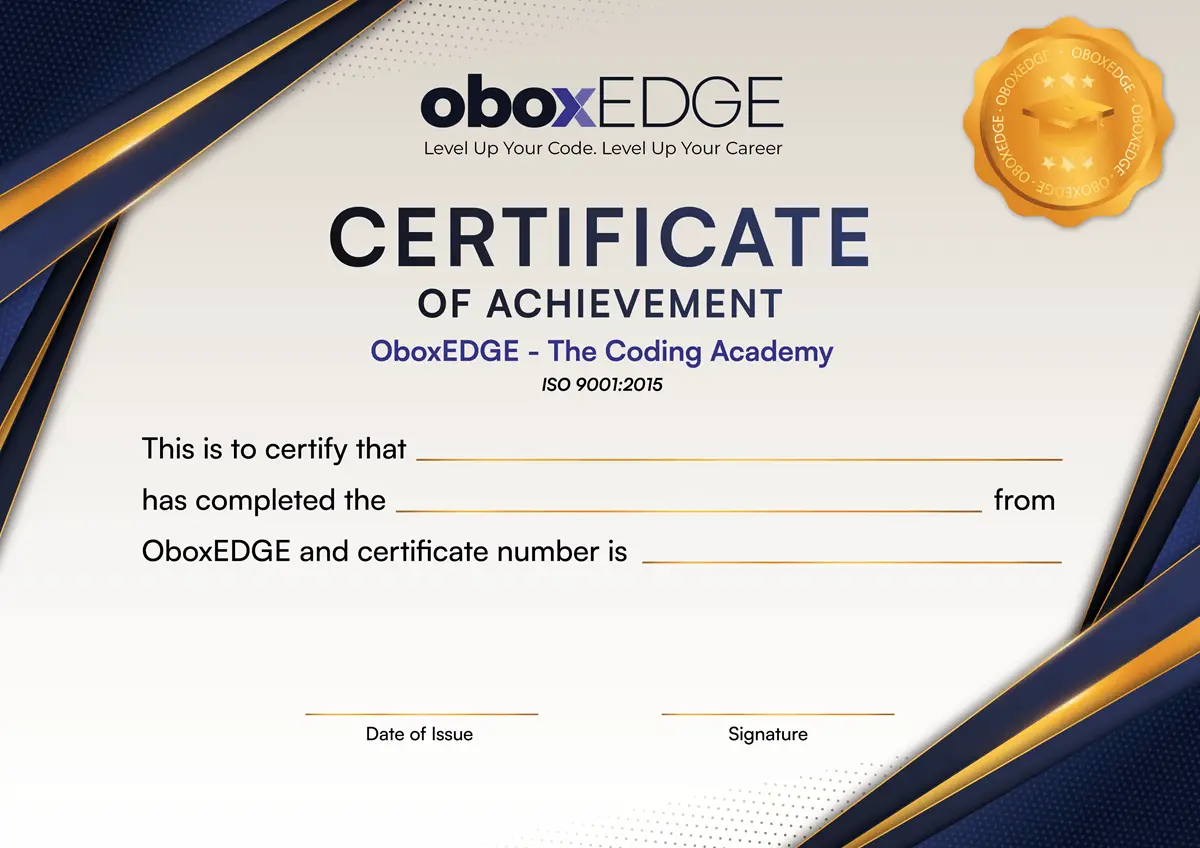
Our certificate program validates your skills and knowledge, providing you with a tangible credential that enhances your professional profile.
Validates your skills and boosts your career profile.
Showcase your expertise in the competitive job market.
Demonstrate commitment to continuous learning.
Ready to turn your code into a career?
Fill in your details and step into your new career.
We've received your enrollment request. Our counselor will contact you shortly.